By Pieter Vogelaar 15 February 2026

In the world of Kubernetes, “requests” and “limits” are the primary levers we pull to ensure application stability and cluster efficiency. On paper, it seems logical: tell the cluster what you need (requests) and tell it where to stop (limits).
However, treat CPU and Memory the same way, and you’ll likely run into a performance wall. While memory limits are a hard boundary for stability, CPU limits often introduce artificial bottlenecks that degrade latency and frustrate developers and engineers.
Requests versus limits
Before diving into the “why,” let’s clarify what these parameters actually do during the pod lifecycle:
- Requests: These are used by the kube-scheduler. If a pod requests 1 CPU, the scheduler finds a node with at least 1 CPU available. It’s a guarantee of resources.
- Limits: These are enforced by the container runtime. They represent a ceiling that the container is not allowed to cross.
The memory strategy: The guaranteed quality of service
Memory is a non-compressible resource. If a container runs out of memory, it can’t simply “slow down”—it crashes (OOMKill).
For production environments, the best practice is to set memory requests equal to limits.
- Avoid overprovisioning: By setting them to the same value, you create a guaranteed quality of service.
- Predictability: The scheduler knows exactly how much memory is “gone” from the node’s capacity.
- Stability: If the app stays within its bounds, it is much less likely to be evicted by the kubelet during periods of high node pressure.
The CPU pitfall: The throttling problem
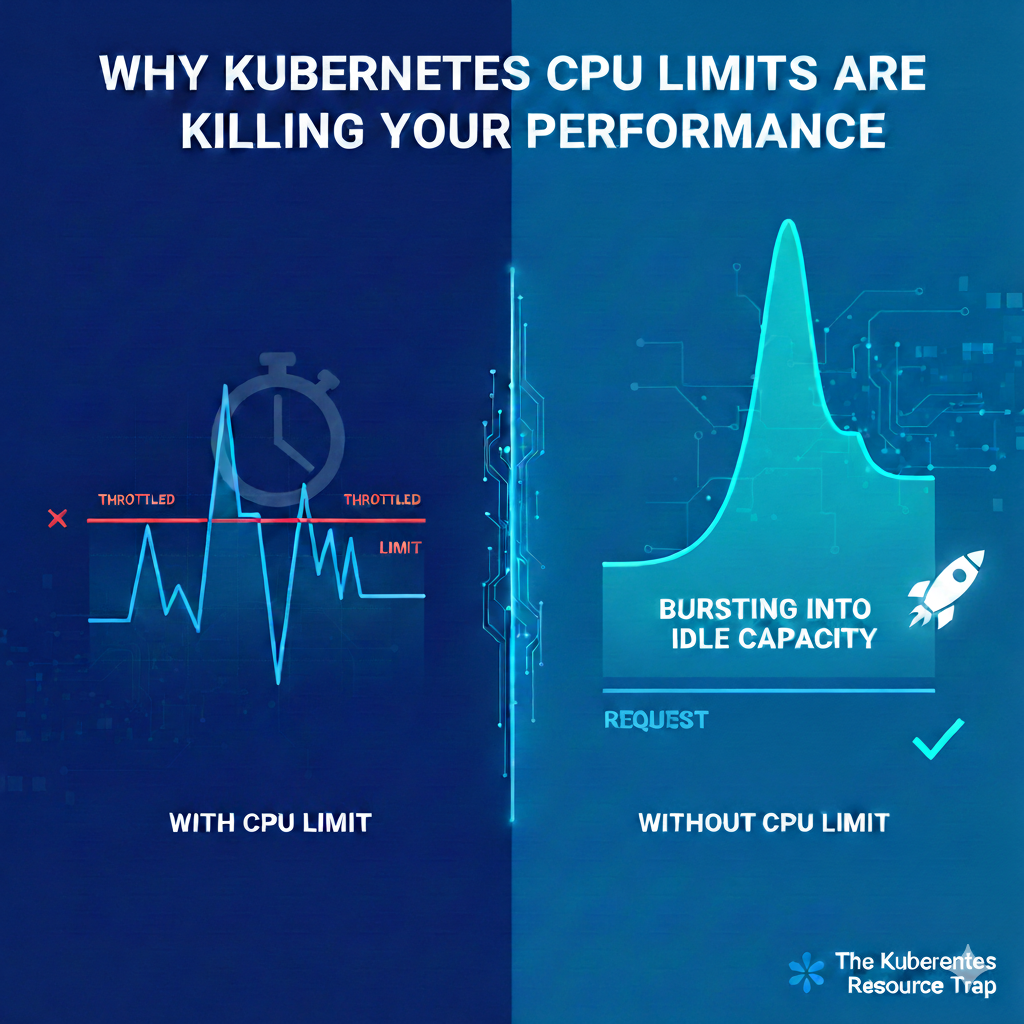
Unlike memory, CPU is a “compressible” resource. If you hit your limit, the process doesn’t die; it gets throttled.
Kubernetes enforces CPU limits using CFS (Completely Fair Scheduler) quotas. Even if the node has 80% idle CPU capacity, if your container hits its defined limit, the kernel will artificially pause your processes until the next enforcement period.
The Result: Your application’s tail latency (P99) spikes. P99 (the 99th percentile) represents the slowest 1% of your user requests. A request that usually takes 50ms might suddenly take 200ms because the CPU “budget” for that millisecond window was exhausted.
Your application might run perfectly at P50 (the average load). However, when a complex request comes in or a small burst of traffic hits, the container tries to “work harder.” If it hits the CPU limit, the Linux kernel pauses the process for a few milliseconds. To the user, that pause feels like a “hang”. In your metrics, this shows up as a massive spike in P99 latency, even if your average latency looks perfectly healthy.
But even when the application is far below the CPU limit it can be throttled!
This happens because of how the Linux kernel enforces these limits at a millisecond level. It isn’t just about whether the “total” limit is hit, it’s about the overhead and micro-management performed by the kernel’s scheduler.
The 100ms Enforcement Window (CFS Quota)
The kernel doesn’t look at your CPU usage over a minute or even a second. It typically breaks time into 100ms periods. If you have a limit of 1 CPU, you are allowed 100ms of work every 100ms period. However, if an application is multithreaded (like most modern Go, Java, or Node.js apps), those threads can consume that 100ms “budget” in a tiny fraction of time.
The Scenario: You have 10 threads. Each does 10ms of work at the very start of the window.
The Result: You have used your 100ms budget in just 10ms. The kernel “throttles” the container for the remaining 90ms.
The Perception: Your monitoring says you used 10% CPU (100ms out of a possible 1000ms across 10 cores), but your app was frozen 90% of the time.
Why you should consider removing CPU Limits
- Hard-to-detect performance degradation: Unlike memory OOMKills, which are loud and clear in your logs, CPU throttling is silent. Your app doesn’t crash; it just slows down, making performance issues incredibly difficult to troubleshoot.
- Unused capacity: Why pay for a 16-core node if your app is being throttled at 1-core while the other 15 cores sit idle?
- Natural bursting: Without a limit, your pod can “burst” into the node’s spare capacity to handle a sudden traffic spike or a heavy startup sequence.
- Simpler scaling: Relying on CPU requests ensures your app has what it needs to run, while horizontal pod autoscalers (HPA) can handle the heavy lifting of scaling out when the cluster gets busy.
Resource best practices
| Resource | Recommended strategy | Why? |
|---|---|---|
| Memory | Request and limit | Ensures guaranteed quality of service. |
| CPU | Request only | Prevents artificial throttling and allows for performance bursting. |
Example
apiVersion: v1
kind: Pod
metadata:
  name: optimized-app-pod
  labels:
    app: high-performance
spec:
  containers:
  - name: web-server
    image: nginx:latest
    resources:
      requests:
        # Ensures the scheduler finds a node with at least 500m CPU
        cpu: "500m"
        # Request equals limit for memory (guaranteed quality of service)
        memory: "1Gi"
      limits:
        # No CPU limit: prevents CFS throttling and allows bursting
        # Memory limit is strictly enforced to prevent OOM issues
        memory: "1Gi"
Conclusion
Setting CPU limits is often a defensive configuration meant to prevent a rogue process from taking down a whole node. However, they often do more harm than good. In modern clusters, the resulting performance hit and latency spikes far outweigh the safety benefits.
Start by setting sensible requests based on your baseline metrics, leave the CPU limit blank, and let your applications breathe.
Vogelaar Solutions helps organizations with DevOps, platform engineering, and web development. Contact us for a consultation without obligation.